
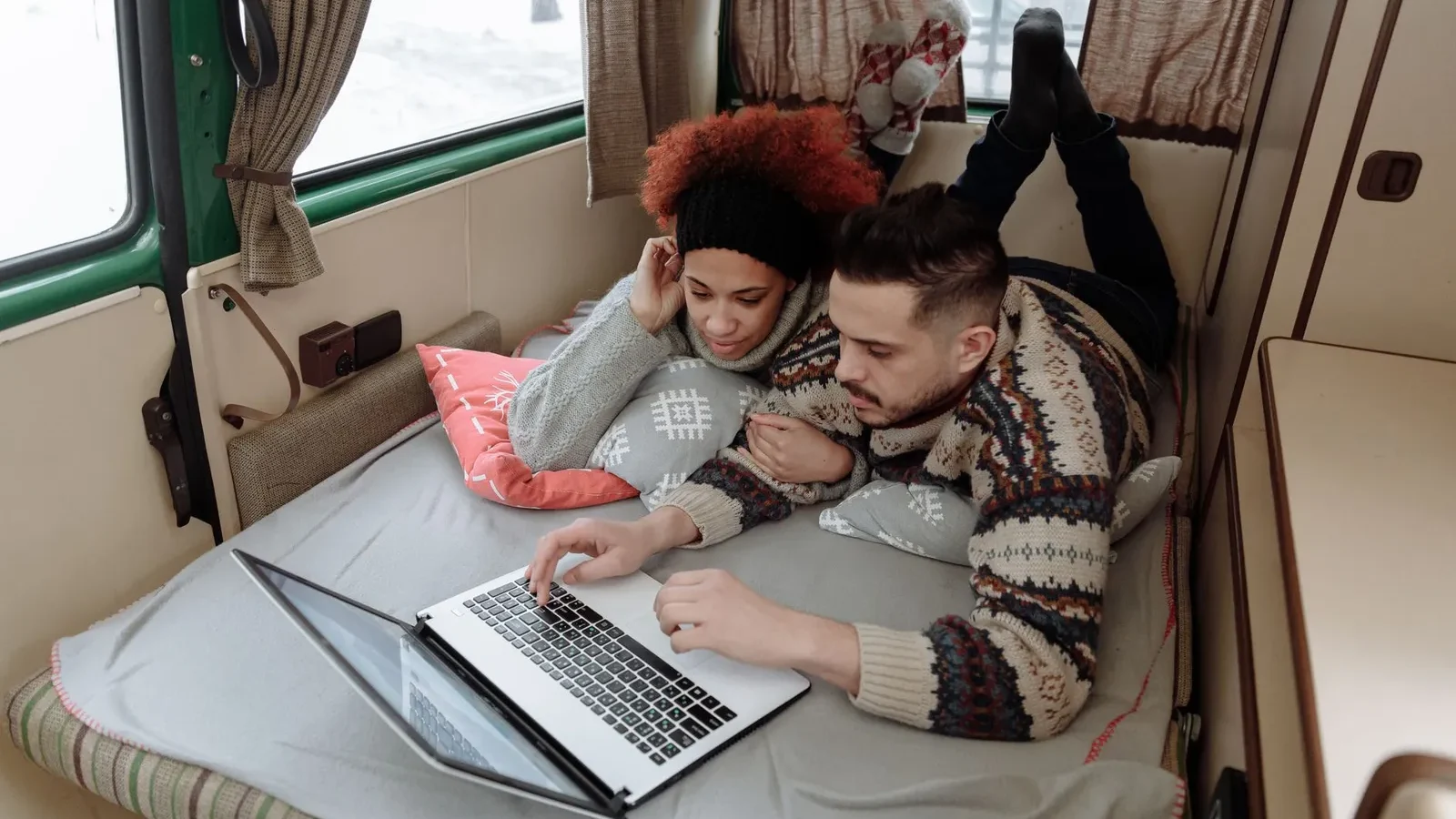
Dependable internet is what makes working from an RV possible. The goal is not one perfect connection but a layered setup: a primary connection that fits where you camp, plus an independent backup, so one outage never cancels a meeting. This guide explains every option and how to combine them.
The main RV internet options
| Option | Best for | Watch out for |
|---|---|---|
| Phone hotspot | Light use, occasional work | Hotspot data caps, heat, and battery drain |
| Dedicated mobile hotspot | Moderate use on one carrier | Single-carrier coverage gaps |
| Cellular router (multi-SIM) | Remote workers, video calls | Plan terms for router use; antenna placement |
| Satellite internet | Remote camping and boondocking | Clear view of the sky, power draw, in-motion rules, plan terms |
| Campground Wi-Fi | Light browsing, backup | Congestion and security; always use a VPN |
Cellular: hotspots, routers, and boosters
Most RVers still rely on cellular data. A phone hotspot is enough for light use. A dedicated router with SIMs from two different carriers adds reliability because when one network is weak, the other often is not. A roof-mounted external antenna usually improves results more than any single device. Cell signal boosters can help when you have a weak but usable signal; they cannot create signal where none exists. Check each carrier’s official coverage map along your route, and the FCC’s National Broadband Map for reported coverage.
Satellite internet for RVs
Low-earth-orbit satellite service has transformed remote camping, often working where there is no cell signal at all. It needs a clear view of the sky (trees and canyon walls cause dropouts), draws meaningful power (plan your battery and solar accordingly), and has plan rules about roaming, data, and whether use while driving is allowed. Always rely on the provider’s official documentation for current plans and terms.
eSIMs, roaming, and Canada
eSIMs make it easy to add a second carrier or a travel data plan without a physical card. If you travel between the United States and Canada, check each plan’s cross-border roaming terms and data limits before you go, or add a local eSIM for long stays.
How much data do you need?
Video calls and streaming drive most usage. Lowering video resolution cuts data dramatically. Estimate your monthly total with the Remote-Work Data Usage Calculator, and compare it to plan terms, including any slowdown or deprioritization thresholds.
Video calls and uploads
Upload speed and stable latency matter more for video calls than headline download speed. Before important meetings, run a speed test, close background syncing, use a wired connection to your router if you can, and keep your backup ready.
Campground Wi-Fi and security
Treat campground and public Wi-Fi as untrusted. Use a VPN, keep devices updated, turn on your firewall, and never do sensitive work on shared networks without protection.
Building a redundant setup
- Choose a primary connection that matches where you camp most.
- Add a backup that fails differently: another carrier, or cellular if your primary is satellite.
- Budget power for both.
- Test both before workdays and important calls.
Matching your setup to how you work
| Your work | Suggested primary | Suggested backup |
|---|---|---|
| Email, browsing, light streaming | Phone hotspot or single-carrier hotspot | Campground Wi-Fi with a VPN |
| Remote job with scheduled video calls | Multi-carrier cellular router with an external antenna | Satellite internet or a phone on a third carrier |
| Heavy uploads, streaming, or live video | Satellite plus cellular, load-balanced | The other of the two |
| Mostly remote boondocking | Satellite internet | Cellular with a booster where signal exists |
Our RV Internet Setup Selector walks you through this with your own answers.
Step-by-step: getting the best cellular signal
- Check official coverage maps for each carrier along your route before you book.
- Pick sites with a clear line toward the nearest town or highway, and avoid deep valleys when you can.
- Mount antennas as high as possible, away from metal obstructions.
- Run a speed test on each carrier at arrival, and again before important calls.
- Use a booster only when there is a usable signal to amplify.
Step-by-step: setting up satellite internet at a campsite
- Use the provider’s app to check for obstructions before choosing your exact parking spot.
- Mount or place the dish with the clearest possible view of the sky.
- Plan power: the dish and router run continuously while connected, so budget for them in your battery and solar sizing.
- Confirm your plan allows roaming or in-motion use as needed, using the provider’s current terms.
Security checklist for remote workers
- VPN on any network you do not control.
- Router admin password changed from the default, and firmware updated.
- Device encryption, automatic updates, and a screen lock.
- Password manager and two-factor authentication on work and banking accounts.
- Automatic cloud backup, with large backups scheduled on unmetered connections.
Satellite internet for RVers
Satellite service has changed where RVers can work. Our guide to Starlink for RV travel compares the current Roam plans as published by Starlink, the power draw of the Mini and Standard dishes from their specification sheets, mounting options, and the obstruction problems that cause most dropouts. It also explains why remote workers should still carry a cellular backup.
Before choosing any plan, estimate your data with the Remote-Work Data Usage Calculator, then get a primary and backup plan from the RV Internet Setup Selector.
Every guide in this topic
Step-by-step, research-based guides that go deeper on each decision.
Official resources
The agencies and organizations we check our facts against. Always confirm current rules and conditions with them before you travel or buy.
Frequently asked questions
There is no single best option. Remote workers usually combine a primary connection that matches where they camp, such as a multi-carrier cellular router or satellite internet, with an independent backup. They can improve a weak but usable signal, especially with a well-placed roof antenna. They cannot create signal where there is none, so check coverage maps before relying on one. Only if your plan and equipment are specifically rated for in-motion use. Standard setups are designed for use while parked. Check the provider’s current official terms. Treat it as untrusted. Use a VPN and keep devices updated, and do not rely on it for important calls because shared networks are often congested.What is the best internet for full-time RVers?
Do cell signal boosters work in an RV?
Can I use satellite internet while driving an RV?
Is campground Wi-Fi safe for work?
Tools for RV internet
- RV Internet Setup Selector – primary and backup plan
- Remote-Work Data Usage Calculator – monthly data estimate
- Mobile Office Checklist – setup and security
Browse every guide in RV Internet and Connectivity.