
RV Campsite Cell Signal Test: How to Check Before You Rely on a Work Call
Quick answer: A real RV campsite cell signal test means standing at the exact spot where the rig will park, on the carrier you will use, and running a short upload and call test before you commit to a work call there. Verizon users generally get a signal in the main visitor area, the campground included, as long as they have an open view of the valley floor. [1] Another park page says cell coverage there is extremely limited and, for the most part, cell service does not exist. [2]
Cell phone and internet connectivity is very limited for visitors. [3] Those pages come from official park sites. And they all point to the same lesson for a RV campsite cell signal test: signal depends on the carrier, the place and your position inside the place, so a map alone cannot settle it.
How this guide was researched
This guide was researched rather than tested. This guide was drafted with AI assistance from the published pages listed under Sources, and each sourced sentence carries a marker that points to the page it came from. This guide does not describe first-hand use, stays or purchases. Pages change, so check the source page before you rely on a figure.
Why a RV campsite cell signal test beats a coverage map
A coverage map shows an average guess across a large area. A campsite is a few steps of ground, and a few steps can change everything. A tree line, a rock wall or a neighbor’s rig can turn a strong bar into nothing. Treat the map as a first filter, then test the real spot.
In the forested mountains of the preserve, even Verizon may not work unless you stand on a high point with a view over the valley. [1] The same carrier can work in the open and fail under trees, which is exactly why a RV campsite cell signal test belongs on your planning list.
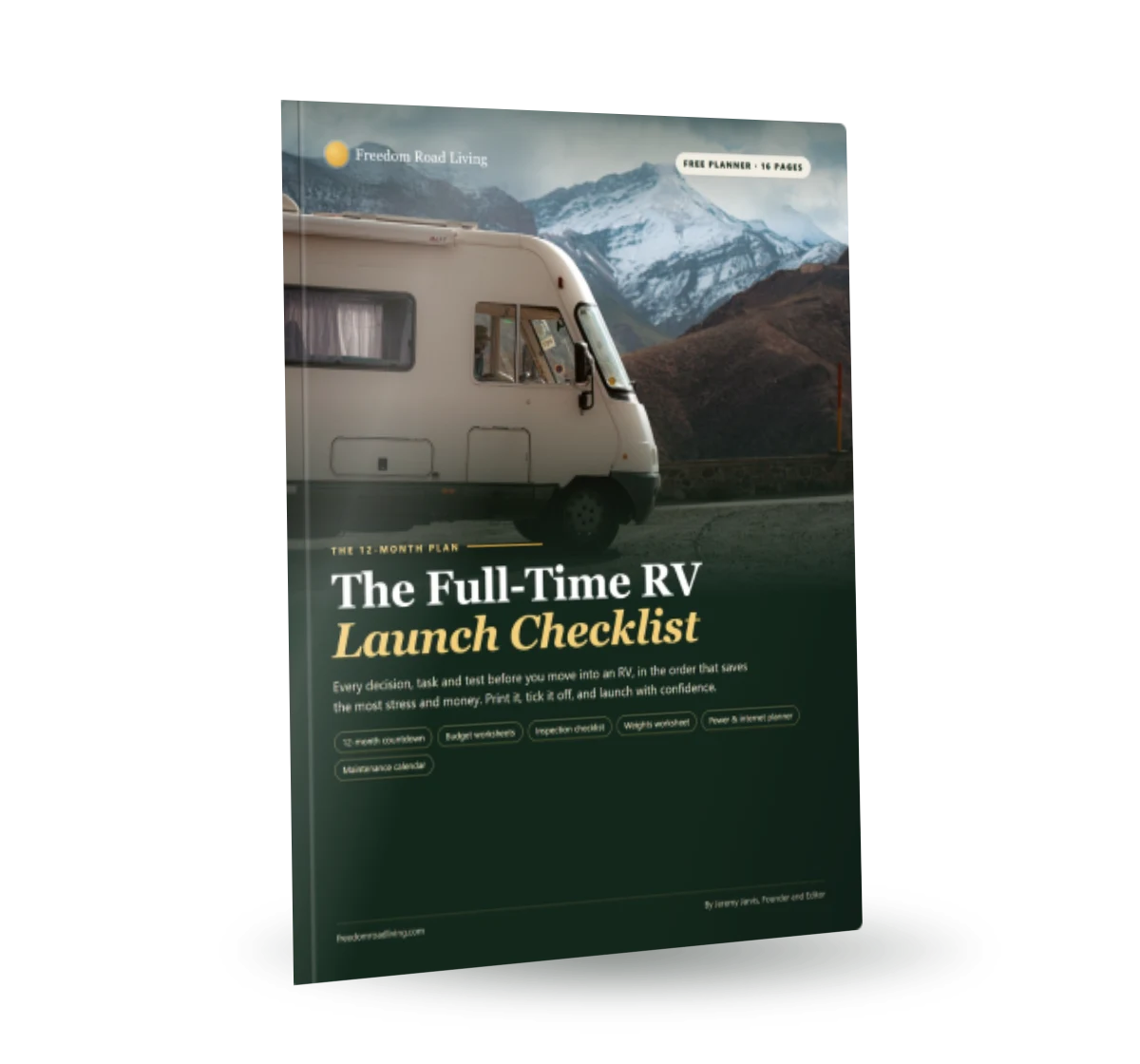
Free download: The Full-Time RV Launch Checklist
Our 16-page planner: a 12-month countdown, inspection checklist, budget and weights worksheets and a maintenance calendar. Free and printable.
Work calls make the stakes higher than casual browsing. A weak signal may load a web page slowly and still survive. The same signal can drop a video call, freeze a screen share or fail while you upload a file. Plan for the heavy tasks, not the light ones.
Three things the map cannot tell you
- How the signal behaves at your exact site position, with your rig and your neighbors in place.
- How fast the connection sends data up, which matters for calls and file uploads.
- How the signal changes through the day as more campers arrive and use the network.
Which details must come from the individual campsite?
Some facts belong to the park or the campground, and some belong to the single site you book. Keep them apart in your notes so you do not mix a general statement with a site-level fact.
Most visitors find cell reception in West Glacier and as far as Apgar Village, with limited coverage in St. Mary. [3] It adds that reception greatly diminishes farther into the park. [3] That kind of statement tells you where to start, but it cannot say what a particular site will give you.
The site-level details only you can collect are these: which side of the rig faces open sky, how close the rig sits to trees or hills, and what the signal does with the phone held high or low. Record each detail on the day you arrive, and add a note about the weather and the time.
Questions to ask the campground before you book
- Which carriers do guests report working on the site you are considering?
- Does the campground offer wi-fi, and where does it reach?
- Are some sites better placed for open sky than others?
- Is there a lull in the evening when networks slow down?
Carrier, site position and upload: the three variables to test
A RV campsite cell signal test varies three things on purpose. The first is the carrier. Users of other carriers might need to be closer to, or in, the nearby town to connect. [1] If you carry phones on more than one carrier, test each one at the site.
The second is the site position. Stand where the rig will sit, and then walk a short distance in each direction while you watch the signal. Note the spots that work best. Try a move of a few steps before you blame a carrier.
The third is the upload speed. Check upload quality as well as download speed. Run a speed test that reports upload separately, and write that number down along with the download.
A simple test routine
- Park the rig as you would for the stay, or stand where it will sit.
- Run a speed test and record download, upload and delay.
- Place a short voice or video call to a friend and listen for drops.
- Repeat at a second time of day, such as early morning and late afternoon.
- Repeat on each carrier you have available.
- Write the results in one note with the date and the site number.
Run the RV campsite cell signal test before you rely on it for a work call
If you can visit the site in advance, run the full routine there. If you cannot, run a shorter version the moment you arrive, before you unpack.
Use the same tools every time so results compare fairly. Keep one speed test app and one calling app, and use the same phone or hotspot. Change one variable at a time. If you change the carrier and the site position together, you will not know which change mattered.
Example Suppose a remote worker arrives at a campground the afternoon before an important video meeting. Imagine the worker runs the routine at the site and finds that the upload test is weak on the main carrier but steady on the second one. The worker then walks to the edge of the site, finds a spot with open sky and sees the main carrier improve. The worker decides to hold the call from that spot, with the second carrier as a backup and a note about where to stand.
Do not trust one good result. Test again when the weather or the number of campers changes. Test at the time of day when your call will happen, and test again the day before. A result that looks fine at midday may fall apart when the campground fills up.
What to listen for during the test call
A number on a screen tells only part of the story. Place a real call and listen. Do the voices sound natural, or do they clip and stutter? Does the video freeze when you move? Does your own voice arrive with a lag that makes conversation awkward? These signs matter more than a single speed figure, because they describe what your colleagues will hear.
Try a screen share as well. Share a document or a slide and watch how fast the other person sees changes. Ask a friend to rate the picture and the sound. If possible, record a short sample call and play it back later, so you can judge it without the stress of a live meeting.
Notice how the connection behaves over several minutes, not just at the start. Some connections begin well and then slow as the network warms up or as other campers wake up. A test that runs for a few minutes gives a fairer picture than a quick check. That is the heart of a good RV campsite cell signal test: it imitates the real call as closely as it can.
How weather, trees and your rig change the result
Look for anything in the way of a clear line to the sky, such as trees, hills or a neighbor’s rig. Repeat the test after rain if the spot worked in dry weather. Repeat the test when conditions change.

Your own rig matters too. Test inside and outside the rig, near a window and near the middle. Test inside and outside, and note the difference. Hold the phone near a window, then near the middle of the rig, and record both results.
Think about neighbors. Check what sits between your site and open sky, including a large rig parked close by. If your first test looks weak, check what sits between your site and the open sky. Moving the rig a short way, or choosing a different site next time, can solve the problem without any new gear.
Small changes worth trying
- Turn the rig so the side with the most windows faces open sky.
- Move the phone or hotspot to a higher shelf or a window ledge.
- Try the other side of the site, away from trees.
- Restart the phone and test again after a few minutes.
Hotspots, boosters and second carriers
If the test shows a weak signal, gear can help, but it works best as part of a plan. A second carrier on a spare phone or a dedicated hotspot gives you a backup path. Test any booster at the real site with it switched on and off. Test any gear at the real site, and test again with it switched on and off to see the difference.
Keep expectations realistic. Log which gear helped at which campground. That is why the log matters. After a few trips, your notes show which gear made a real difference and which did not, so you spend money where it counts.
Avoid buying gear before you test. Many travelers buy equipment, arrive at a campground and find that the problem is the site, not the device. Run the RV campsite cell signal test first, learn what is weak and then decide whether gear or a different site is the better fix.
An arrival-day checklist
- Park the rig and set up the level before anything else.
- Run the speed and call tests on each carrier you have.
- Walk the site edges and note the best spots.
- Record the results and the backup plan in your log.
- Decide whether to stay, adjust or move before you unpack fully.
Complete this routine on the day you arrive, when changes are still easy. If you leave it until the morning of the call, your choices shrink, and a weak result becomes a crisis.
When the answer is no: move, shift or reschedule
A failed RV campsite cell signal test is useful details, not a disaster. You have three clear choices. Move to another site or another campground with better reception. Shift your work to a nearby place with reliable wi-fi. Or reschedule the call to a time and place that suits the connection you have.
Decide quickly, because options narrow as the meeting approaches. Tell colleagues early if you need to change the format, such as moving from video to audio. Most people appreciate notice and a plan more than a surprise dropout.
Afterward, add the lesson to your log. Note what failed, what you tried and what finally worked. Over time, these notes shape your routes and your bookings, so each trip begins with better odds than the last.
What alternative should I record before arriving?
Plan for the case where the site test fails. A backup keeps a poor result from becoming a missed meeting. Record the backup before you arrive, so the plan is ready when you need it.
Public WiFi is available at the Apgar Visitor Center and the St. Mary Visitor Center. [3] Many businesses in Alamosa have public wi-fi available. [1] Those lines show the kind of fallback to look up: a visitor center, a library or a business in a nearby town.
A park page suggests an offline map and a paper map from a visitor center. [2] Offline tools protect you when the signal is gone. Download maps, documents and meeting materials before you leave coverage, and keep a printed copy of the key details.
Backup ideas to write down
- A second carrier on a spare phone or a hotspot.
- A nearby town with public wi-fi, with its hours noted.
- A short drive to a spot with better signal.
- A rescheduled call time, if you can move it.
- An audio-only option if video fails.
Book ahead, then verify
A park page says to book a site before entering the park and warns that cell service is very limited there. [4] The lesson applies beyond one park: do not count on the signal to make a booking once you arrive. Reserve first, then run your RV campsite cell signal test on the site you got.
Reservations can be made on the same day or up to 6 months ahead. [4] They can be booked on recreation.gov. [4] Use that window to your advantage. If you reserve early, you can ask the campground about signal before you commit your work week to it.
Use the RV campground map to compare nearby options when your first choice fails the test. If you decide that a signal boost might help, read the RV cell signal booster guide before you buy, and test again with the booster in place.
Record your results so the next trip is easier
Keep a simple log. Write the campground, the site number, the date, the time, the carrier, the speed results and what you did to improve them. Over a season, the log turns into your own coverage map, which beats any general map because it reflects your rig, your phones and your habits.
| What to record | Why it matters | Example note |
|---|---|---|
| Carrier | Carriers differ at the same site | Main phone weak, spare phone steady |
| Site position | A few steps can change the signal | Best near the open edge of the site |
| Upload result | Calls depend on sending data | Upload weak at midday |
| Time of day | Crowds change the network | Better early, slower in the evening |
| Backup | A plan B protects the call | Library in the next town |
Share what you learn with other campers when it is useful. A short note to the campground about which site worked can help the next guest, and it keeps the details current.
Review record
Last reviewed on .
Frequently asked questions
Can I trust a carrier coverage map for a campsite?
Verizon users often get a signal in the main visitor area, the campground included, as long as they have an open view of the valley floor. [1] Use the map to narrow choices, then test the real site.
What should I test besides download speed?
Test upload speed, delay and call quality. A call depends on how well your connection sends data, so record the upload result and place a short test call.
What if the campground has no signal at all?
For the most part, cell service is non-existent. [2] Arrange an alternative, such as a nearby town with public wi-fi, and move work calls there.
Should I download things before I arrive?
A park page suggests downloading apps, music or podcasts before entering the park. [3] Add maps and meeting materials to that list.
When should I run the test?
Run it when you arrive and again at the time of day when your call will take place. Results change with weather and with the number of campers using the network.
A careful RV campsite cell signal test turns a hopeful guess into a plan. Test the carrier, the site position and the upload at the real spot, record a backup and keep your results for the next trip.
Sources
- Mobile Device Connectivity – Great Sand Dunes National Park & Preserve (U.S. National Park Service) ()
- Often Asked Questions – Great Smoky Mountains National Park (U.S. National Park Service) ()
- Cell and WiFi Connectivity – Glacier National Park (U.S. National Park Service) ()
- Campgrounds – Joshua Tree National Park (U.S. National Park Service) ()
Keep planning

Written by Jeremy Jarvis
Jeremy Jarvis is the founder and editor of Freedom Road Living, where he builds research-based guides and free planning tools for people who live, work and travel in an RV. He sets the site's editorial standards, checks every guide against official sources such as the National Park Service and manufacturer documentation, and is responsible for corrections. Jeremy also founded Eco Nomad Travel, Mind Clarity Hub, SilkHarborTravel and WanderOza Travel, and he is the author of books on clarity, focus and practical AI, including The Power of Clarity and Digital Clarity.
Questions and comments